Online ScreenView
Online ScreenView provides a reliable remote desktop solution, enabling users to access and control systems from anywhere. Designed for security and efficiency, it allows seamless collaboration and troubleshooting, ensuring that tasks are completed smoothly. This tool is ideal for businesses seeking to enhance productivity while maintaining robust remote access capabilities.
Top Online ScreenView Alternatives
StackScan
Curious about a websiteโs technology stack? Use StackScan to explore 50,000+ technologies across 450+ categories of stacks.
LANSCOPE Remote Desktop
LANSCOPE Remote Desktop enables seamless remote control and screen sharing for businesses, facilitating support for teleworking employees and server maintenance without requiring installation on the target devices. Users can enjoy a 60-day free trial, experiencing an intuitive interface that caters to diverse operational needs while ensuring secure connections.
V-Warp
V-Warp is a remote access service designed to enhance telework security amid rising concerns over personal data protection and unauthorized access. Launched on August 1, 2022, it offers a flexible billing option, charging only for months of use. Ideal for those needing reliable access during emergencies or unexpected remote work situations.
LAPLINK 14
LAPLINK 14 is a leading remote control software that allows users to share screens, operate mice and keyboards, and transfer files, all from their own devices. Ideal for troubleshooting employee PCs and maintaining servers in secure environments, it streamlines administrative tasks while ensuring robust encryption for data security.
V-Client
V-Client offers seamless remote access to corporate networks and cloud services, ensuring security through a proprietary two-step authentication and dynamic port control. Users enjoy easy one-tap connectivity without technical hassle. The Management Center streamlines operations, managing device authentication and certificates while maintaining robust security protocols for uninterrupted access.
Splashtop Business
Splashtop Business enables seamless remote desktop access through a straightforward three-step process. Users begin by installing the Splashtop Business app on their connecting device, followed by installing the Streamer on the target computer. Additional guidelines ensure proper configuration for Mac Streamer, facilitating efficient remote connections.
Remote View
Remote View transforms organizational inquiries into a streamlined, digital experience. By implementing inquiry DX, it restructures communication channels across departments, enhancing efficiency and reducing response times. Unlike conventional chatbots and costly ITSM tools, Remote View simplifies maintenance while leveraging AI for accurate, actionable insights, ensuring user engagement and satisfaction.
KDDI Flex Remote Access
KDDI Flex Remote Access enables secure, remote connectivity to corporate networks from smartphones, tablets, and PCs, regardless of location. The service features passwordless authentication, enhancing security by eliminating the risk of unauthorized access while reducing password management burdens for both users and administrators, ensuring a seamless user experience.
Serial Port Redirector
Serial Port Redirector enables seamless access to remote serial devices over TCP/IP networks by creating virtual COM ports on the local machine. It facilitates data redirection from these ports to specified IP addresses and TCP ports, while ensuring secure communication through SSL encryption and supporting RFC2217 protocol for extensive compatibility with serial device servers.
RDPHostings
Experience seamless remote access with a lifetime free RDP server, no credit card required. Users gain instant activation, full admin access, and robust hardware, supported by 24/7 expert assistance. Compatible with Windows, Mac, Android, and more, this service ensures high performance, strong security, and unlimited bandwidth for all types of projects.
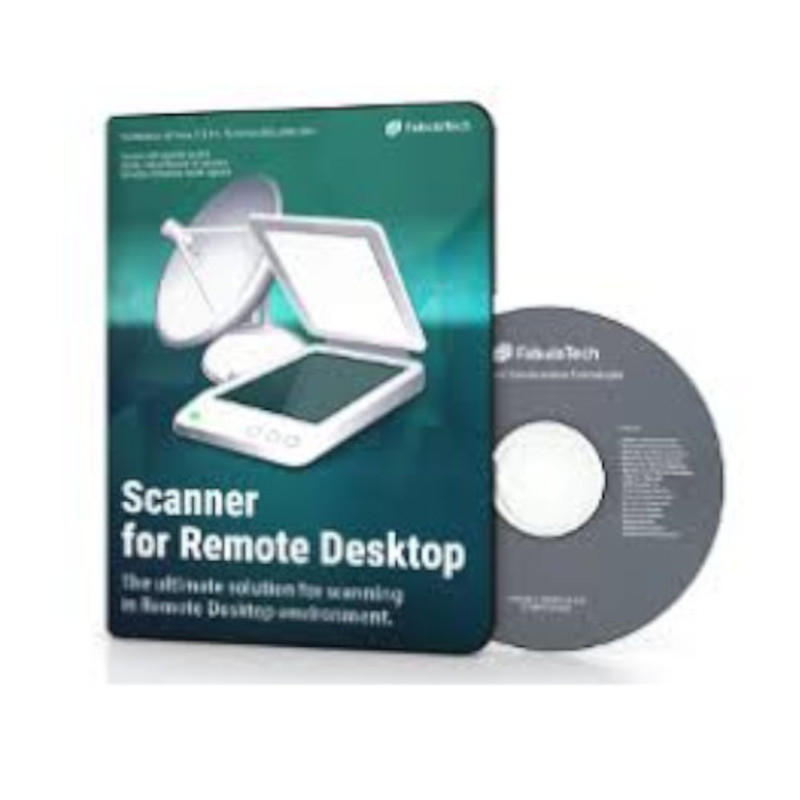
Scanner for Remote Desktop
Scanner for Remote Desktop enables seamless scanning integration for various remote desktop clients on 32-bit and 64-bit Windows, Linux, and macOS. It supports SANE-compatible and TWAIN-compatible scanners, ensuring versatile operations. Users can download the latest versions for optimized performance and enhanced features, with a trial period available for evaluation.
Neverinstall
Offering a seamless solution for digital workspaces, this platform provides secure, scalable virtual desktops accessible immediately via the cloud. With a zero-trust security framework and compliance with key regulations, users benefit from low total cost of ownership and simplified IT management, ensuring an efficient, native experience tailored for developers and teams alike.
RemoteView
RemoteView is a versatile remote control software that facilitates real-time connections to various devices. Users can securely access and manage devices remotely, enhancing productivity and support capabilities. With cost-effective subscription plans and a user-friendly interface, it caters to diverse needs, including mobile control and web access, ensuring seamless operation.
VuuPC
VuuPC allows remote access between your work and home computers, as well as mobile devices. With this software, you are able to copy and paste your files between computers, just like you do it on the same computer, without the hassle. It also allows you to share your PC with your friends or clients, which provides you an easy way to give live presentations directly from your PC. There are three main pricing options available: Student, Home/Office, and Enterprise.
RemoteCall
RemoteCall provides a robust remote access solution for desktops and mobile devices, facilitating real-time issue resolution through screen sharing and device control. Compatible with Windows, Mac OS, Linux, Android, and iOS, it ensures secure interactions via a global cloud service, prioritizing customer data protection throughout the support process.
DesktopNow
DesktopNow is a free remote desktop software that can be installed only on Windows operating system. It allows you to use remote desktop features safely from anywhere. The software has useful features that enable you to use the software installed within your remote computer, control your remote desktop from anywhere, use your mobile device to access your computer, and transfer files between computers. The connection between your computer and remote computer is done in a secure SSL protocol.
Company Information
- Company: Santec Corporation
- Country: Japan